Alight Motion VS Capcut – Detailed Comparison, Who is better in 2026 for Editing?
There are various editing applications available online. But many users are confused about which editing app is best and why. To clear this confusion, this article compares CapCut and Alight Motion, discussing their key features, advantages, and disadvantages, as well as their pricing.
Both applications work on almost all operating systems. You can use them on Android, iOS and PC. But each app has its own unique abilities, features, and purpose of use. After reading this guide, you will be able to choose your editing app freely according to your requirements. At the end, we will discuss some editing tricks, and I will tell you my favourite editing app.
Alight Motion VS Capcut – Which one has the editing crown?
What is Alight Motion?
Alight Motion is an advanced editing tool that offers premium features not found in other apps. The Alight Motion is well known for its Motion Graphics, Bitmap Graphics, and Keyframe Animations. The application can be used on multiple devices, including Android, iOS, and PC. Moreover, it offers you preset XML support. That means you can share your editing effects, animations, and motion graphics with others. Also, importing others’ presets, you can use their edits for your projects.
The application has a user-friendly interface and is easy to navigate. Users can use their necessary editing tools with ease. This feature makes it popular among both newbies and professionals. It also offers cloud backup, so there’s no need to worry about the device storage. Export your videos at high resolution, frame rates, and bit rates. With all these features, the application can be considered a professional editing tool without needing any high-end setup.
Key features of Alight Motion
Now, let’s discuss some key features of Alight Motion that set it apart as a professional tool.
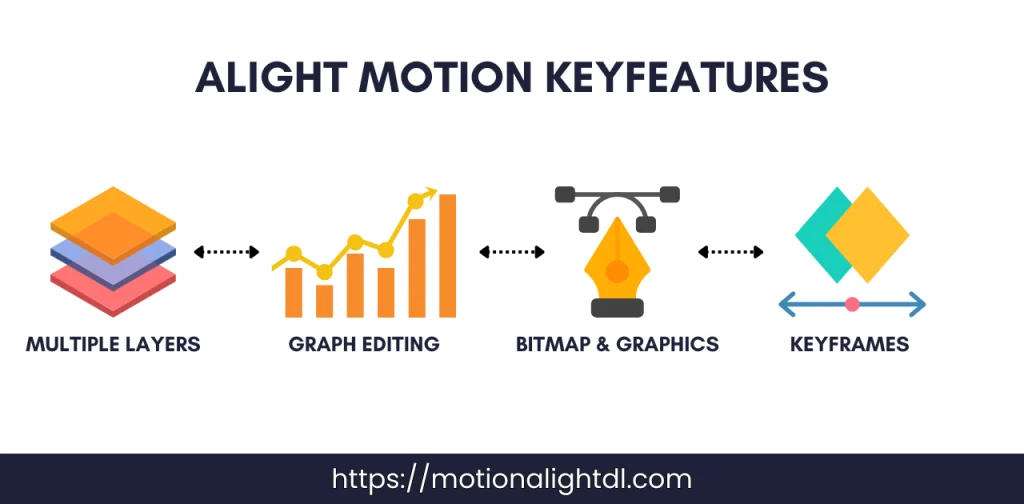
Creating Professional Motion Graphics
Alight Motion is quite popular for its motion graphics features. You can animate any media, including images and text, using keyframe animation. Moreover, it offers child-parent linking, making it easy to animate complex objects.
Multiple Layer Editing
Are you editing a professional project or compositing a complex project? No worries, Alight Motion offers multi-layer editing. Using it, you can create unlimited layers in your projects. You can add Videos, Images, Audios, Motion Graphics, and Animations to these layers. With multiple layers, convert your basic project into a stunning, professional one.
Keyframe Animation
Is your final project visually boring? Removing boredom using keyframe animation is possible in Alight Motion. Each element in your project can be animated frame by frame using keyframes. This gives you full control over animations. Also, each element you add to your project has several properties such as Position, Scale, Rotation and Opacity. Using keyframes for these positions, you can make your project visually rich and engaging.
Graph Editor
After adding keyframes to your media, these animations will play in the default linear setting. It looks ugly, robotic and unprofessional. To solve this problem, you can use the graph editor in Alight Motion. Using it, you can adjust the timing and speed of your animations by creating your custom curves OR adjusting the existing ones.
Visual Effects and Colour Correction Presets
Alight Motion has a vast collection of various effects and colour grading presets. You can use any of these effects to make your project visually appealing. Presets are the custom settings for editing created by other users or professional editors. Some of these effects and presets will be locked in the free version. You need a paid subscription to use them.
Bitmap and Graphics
Alight Motion supports both vector and bitmap graphics. These are used to create brand logos and to create professional graphics for your projects. These give you full control, allowing you to scale and adjust your vectors as you prefer.
Audio Editing
You can add multiple audios to your project. Not only audio, but it also allows you to add various SFX to your project. Moreover, you can trim your audio, adjust the volume, and sync the voice-overs with the video. All of this can be done with Alight Motion’s powerful audio editing tool.
Exporting Options
After completing the editing, you can export your final projects into multiple resolutions, frame rates and formats. You can export your videos into MP4, PNG Sequence, and GIF. Moreover, you will have several options for exporting your videos to various social media platforms.
What is Capcut?
Capcut is owned by bytednace company. It is quite popular among social media influencers. Capcut isn’t as advanced and technical as Alight Motion. Most users use it for quick editing for TikTok and Instagram Reels. Similar to Alight Motion presets, CapCut has a separate “Templates” section. Here, you get readymade video templates to create your own videos. It also has a user-friendly interface and is easy to navigate. CapCut can be used by both beginners and pros without any technical or editing knowledge.
Key features of Capcut
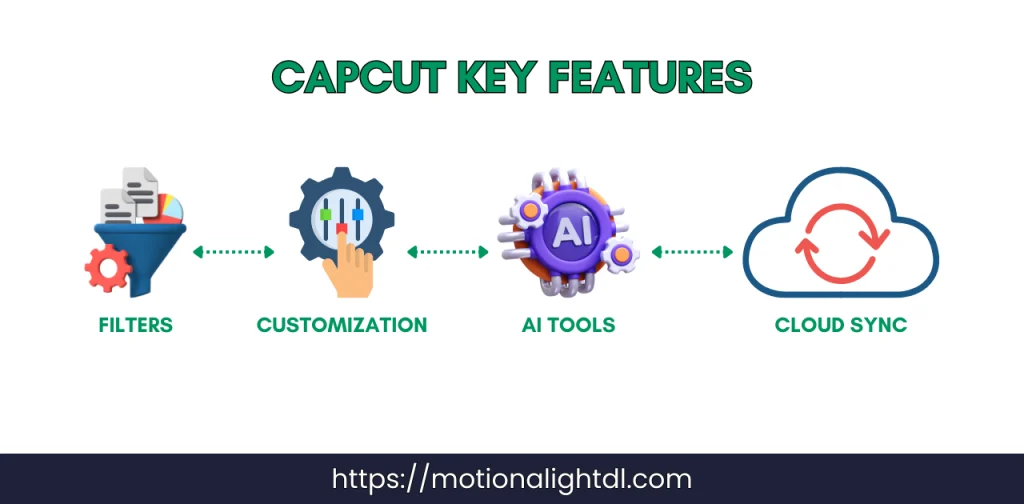
All-in-one video editing tools
CapCut comes with essential editing tools, including trimming, cutting, merging, and reversing. It has all the tools for editing both basic and professional projects.
Visual Effects and Filters
It comes with a wide range of effects and filters in a library. These are enough to convert your basic videos into something professional. Some of these effects and filters are pro and can only be used with the CapCut Pro version.
Text and Titles Customisation
CapCut offers an advanced library of text styles and fonts. Using it, you can add text overlay, dynamic captions and animated fonts to your project. By adding these text styles and fonts, you can make your project visually appealing and professional.
AI-Powered Tools
Capcut comes with some AI-Powered tools. Using these tools, you can save time and simplify your advanced editing tasks. These tools include Auto Captions, Face Recognition, and Background Removal.
Music and Sound Effects
Capcut has a vast library of different SFX and royalty-free music. Using it, you can add any music and sound effects to your videos to make them professional. Moreover, you can add various audio effects to your music, such as funny voice-overs, reverb, and delay.
Capcut Templates
You will find various readymade videos in CapCut’s Templates section. After making the video using Templates, you can export it directly to TikTok or your gallery. Some of these templates are Pro, which require a CapCut Pro subscription to use them.
Cloud Sync
Capcut is mainly designed for mobile devices. It also supports cloud sync, so you can access all your mobile editing projects on your PC. Work smoothly across platforms with cloud sync and take your editing to the next level.
Pros and Cons of Alight Motion
Pros and Cons of Capcut
Alight Motion VS Capcut Comparison Table
Features | Alight Motion | Capcut |
|---|---|---|
Multilayer Editing | ✅ | ✅ |
Price | Free & Paid | Free & Paid |
Watermark | The free version has a watermark | No Watermark |
Export Quality | 4k, 2k, UHD, and HD | 2k, UHD, and HD |
Keyframe Animation | ✅ | ❌ |
Ease of Use | Advanced & Professional | Beginner Friendly |
Bitmaps and Vector | ✅ | ❌ |
Audio Editing Tools | Advanced Tools | Basic Tools |
Visual Effects & Filters | Advanced Filters & Effects | Basic Filters & Effects |
Speed Control | ✅ | ✅ |
Graph Editor | ✅ | ❌ |
Child & Parent Linking | ✅ | ❌ |
Cloud Sync | ❌ | ✅ |
Web Version | ❌ | ✅ |
Best for | Professional & Complex Edits | Social Media & Basic Edits |
Pricing and Plans of Both Applications
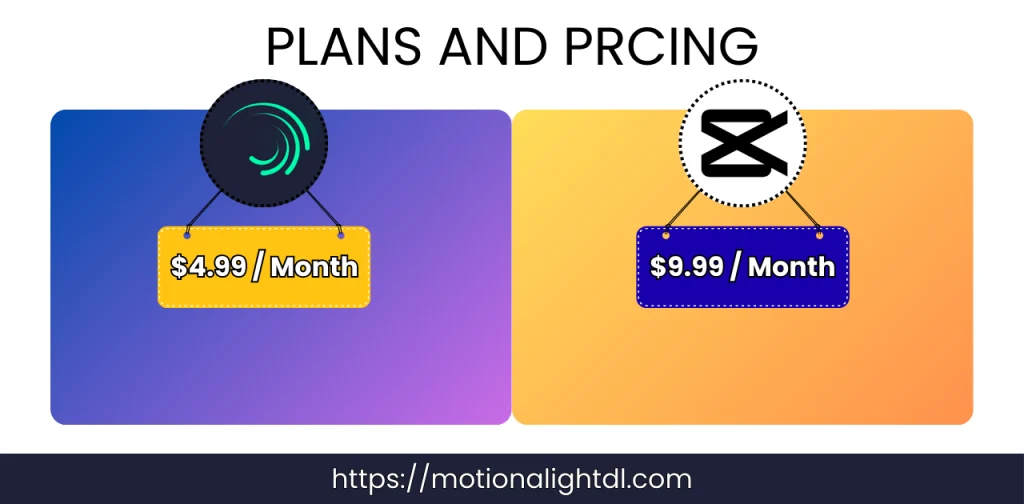
Alight Motion Pricing
Plan | Pricing | Features |
|---|---|---|
Free Plan | $0 | |
Monthly Plan | $4.99 / Month | |
Yearly Plan | $19.99 – $29.99 / Year | Same as a monthly plan, but more expensive. |
Capcut Pricing Plans
Plan | Pricing | Features |
|---|---|---|
Free Plan | $0 | |
Monthly Plan | $7.99 – $9.99 / Month | |
Yearly Plan | $69.99 / Year | Same as a monthly plan, but more expensive. |
Download Alight Motion & Capcut
Download Alight Motion
Download Capcut
My Personal Favourite Editing App
If you ask me about my favourite editing application. Then it is Alight Motion; I have been using it for a few years. It has all the editing tools required to create professional projects. Creating layers, adding multiple effects and filters, creating vectors and bitmaps, and adding keyframe animation to different media objects is quite easy.
So, if you are going to create professional projects with keyframe animations and highly visually appealing content, Alight Motion is the right choice. But if you are going to create videos only for Social media like TikTok, YouTube, and Facebook Reels, then CapCut will be the right option. It has all the editing tools, effects, filters, text styles, and fonts needed to create videos quickly.
Learning the basics after choosing the editing app
Now it’s upon you, which app you select, Alight Motion OR Capcut. Here are some basics for every editing app you must know.
Final Words
That’s all from the Alight Motion VS Capcut guide. Alight Motion is used for heavy, complex, and professional projects. On the other hand, CapCut is widely used by social media influencers. Alight Motion offers premium video editing tools, including Motion Graphics, Keyframe Animations, Vector and Bitmap Graphics, and Layers Parenting. CapCut offers multiple Text styles and fonts, some AI-Powered Tools, Cloud Syncing, and Premium effects, filters, and transitions. The choice is yours: which app to choose. Try both, then decide which app best suits your project.